Print batches of invoices with Gestix

Gestix allows you do print documents in batches, this means you can enter a set of documents into Gestix and then print them all at once as a PDF file or directly to the printer.
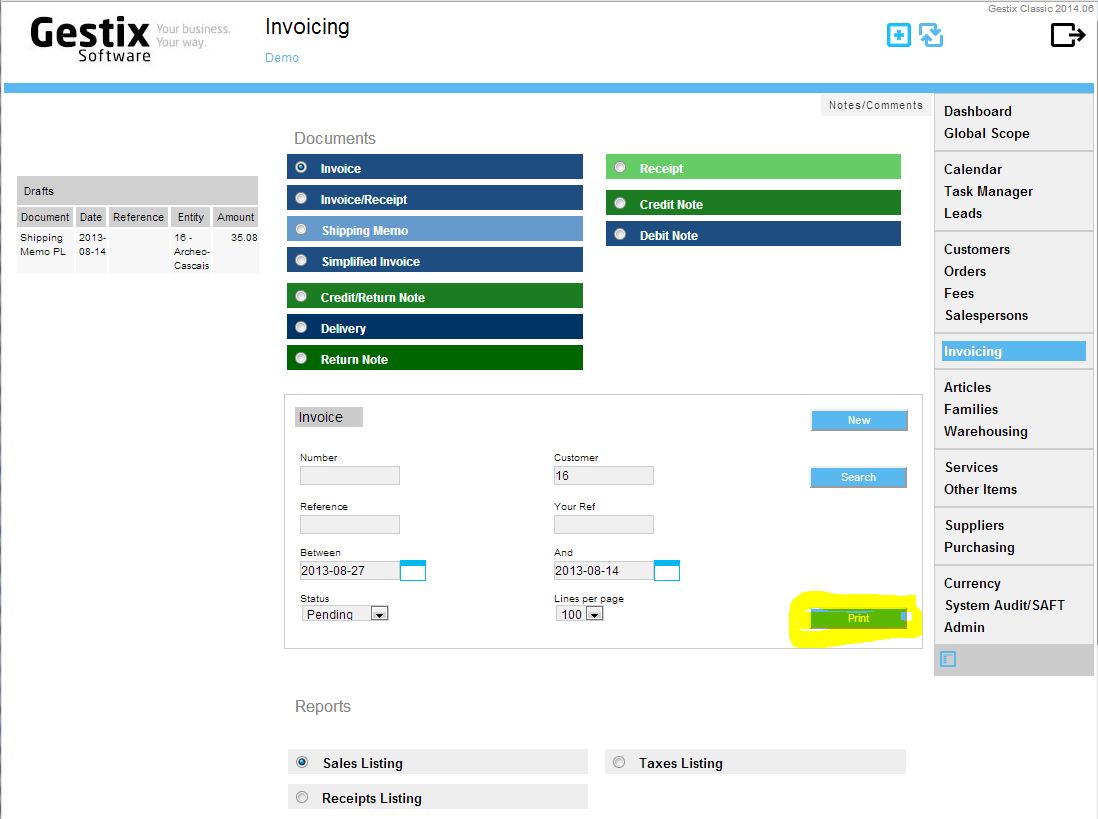
Press the Print button to print batches of the desired series of documents.

Select the document and check the criteria, including the period (dates Between/And) that tells which documents will be processed. Then press Print button.
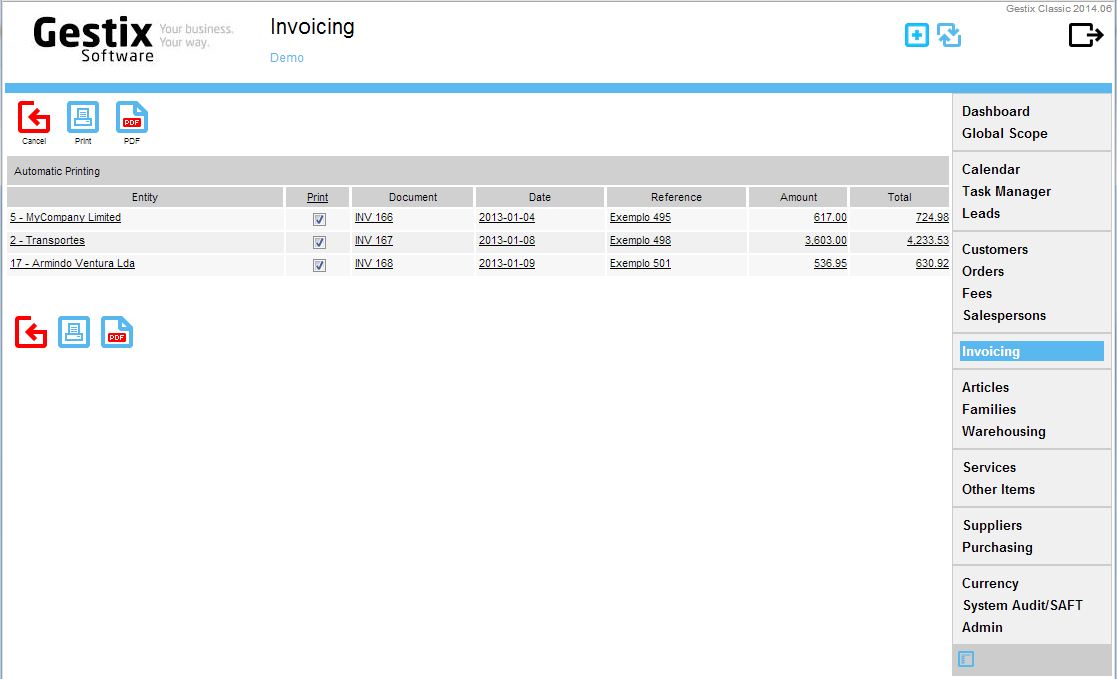
Check the documents to be printed

Check the documents to be printed and press either Print or PDF button to proceed. the Document prints will be opened in a pop up window, so one should remember to enable the browser to accept pop up windows from Gestix, sooner or later.
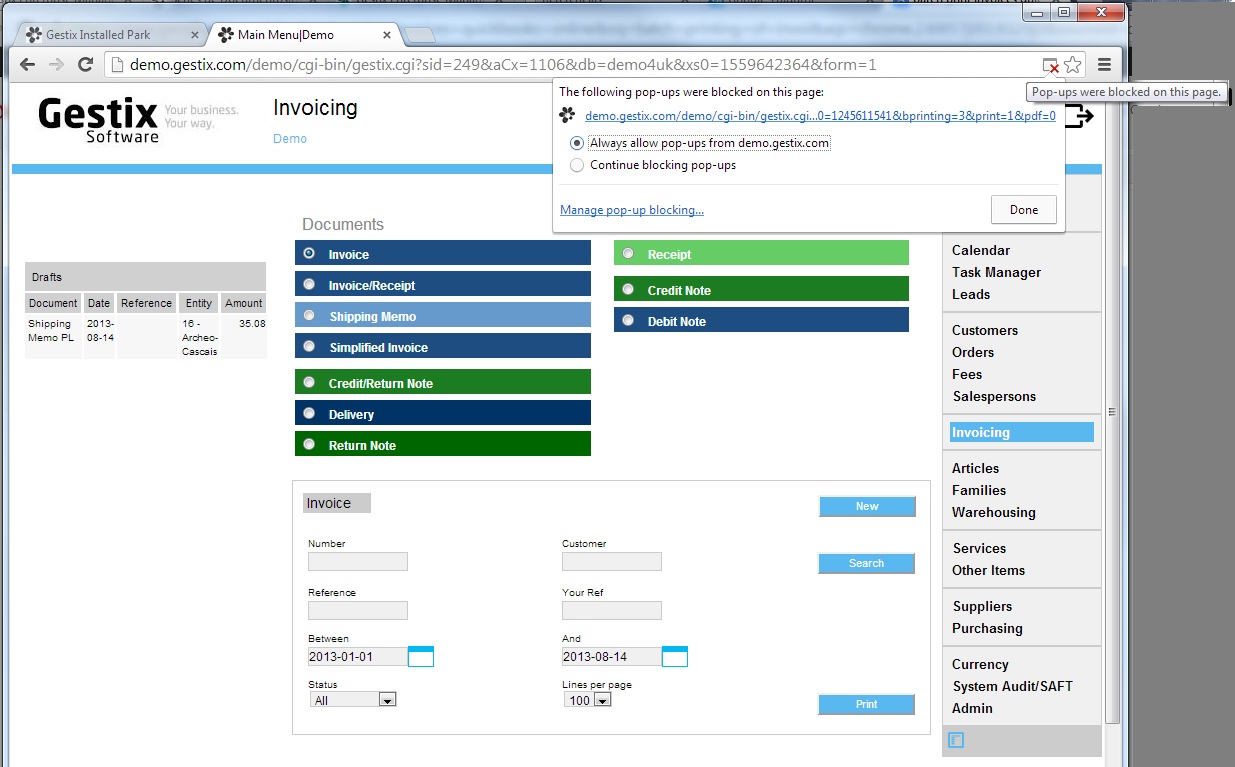
Unblocking pop-ups
Unblocking pop-ups

Last minute enabling of pop-ups.

And the result print file.
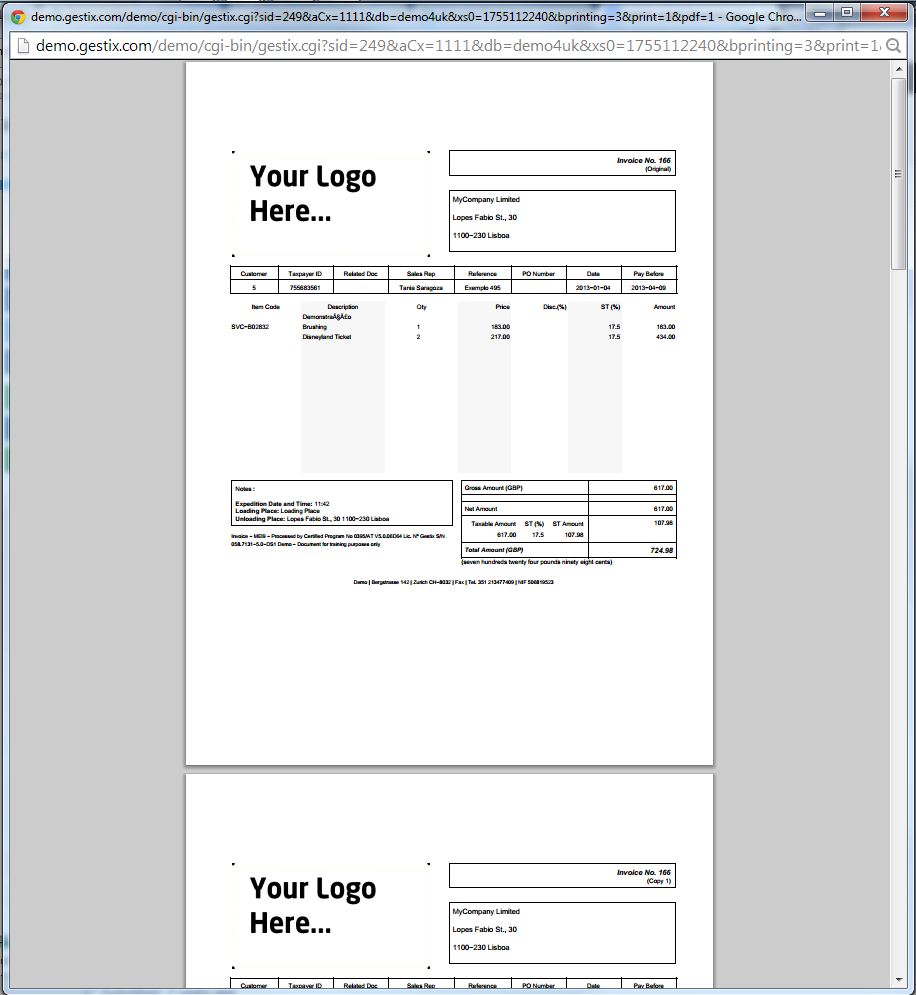
The result of pressing the PDF button

Configuring Gestix for the Kuwait

After installation, open Gestix.

http://localhost/gnet/cgi-bin/gnet-app.cgi

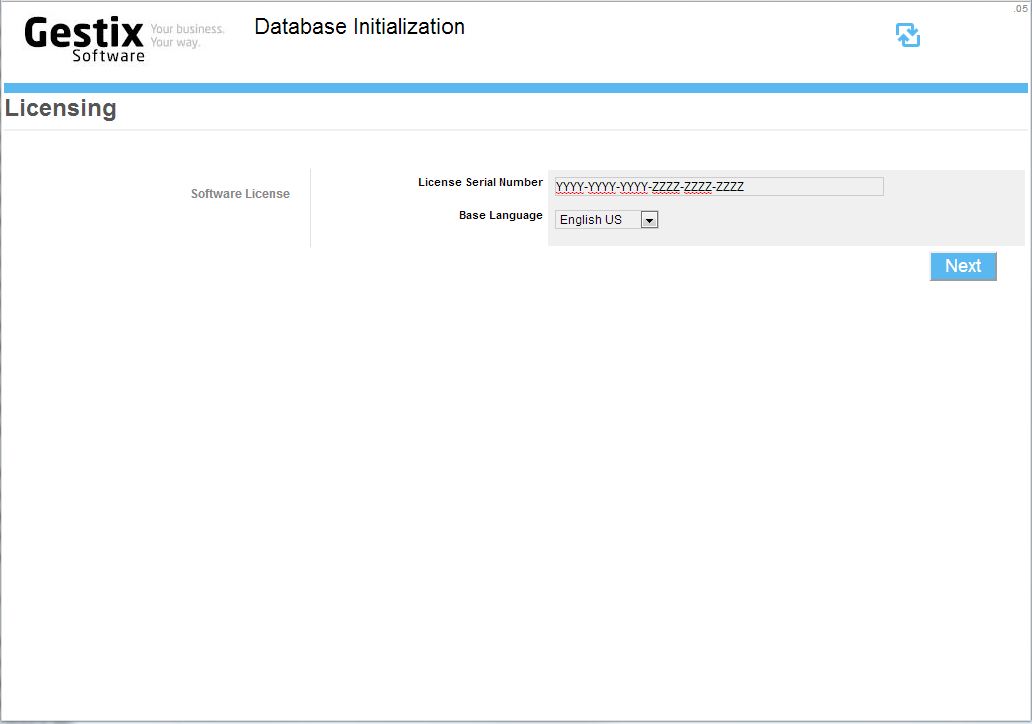
Gestix Lifetime license Serial Number

Provide the license serial number if applicable. Cloud licenses don’t usually show this step.

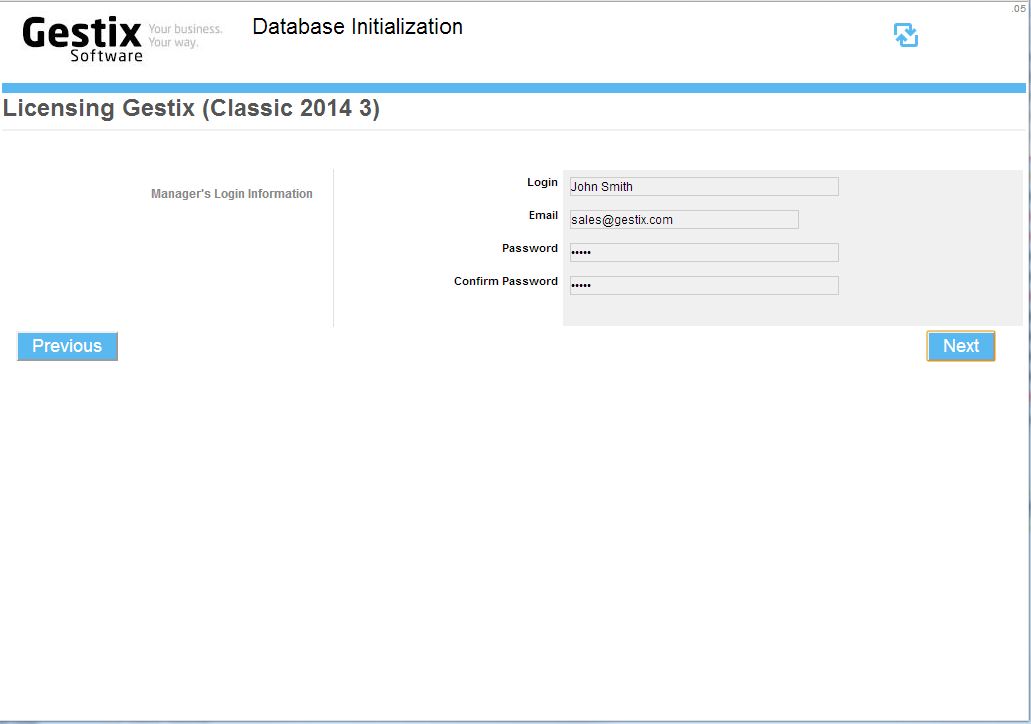
Login details
Login details

Fill the Manager’s log in details (your name, email, and new password).

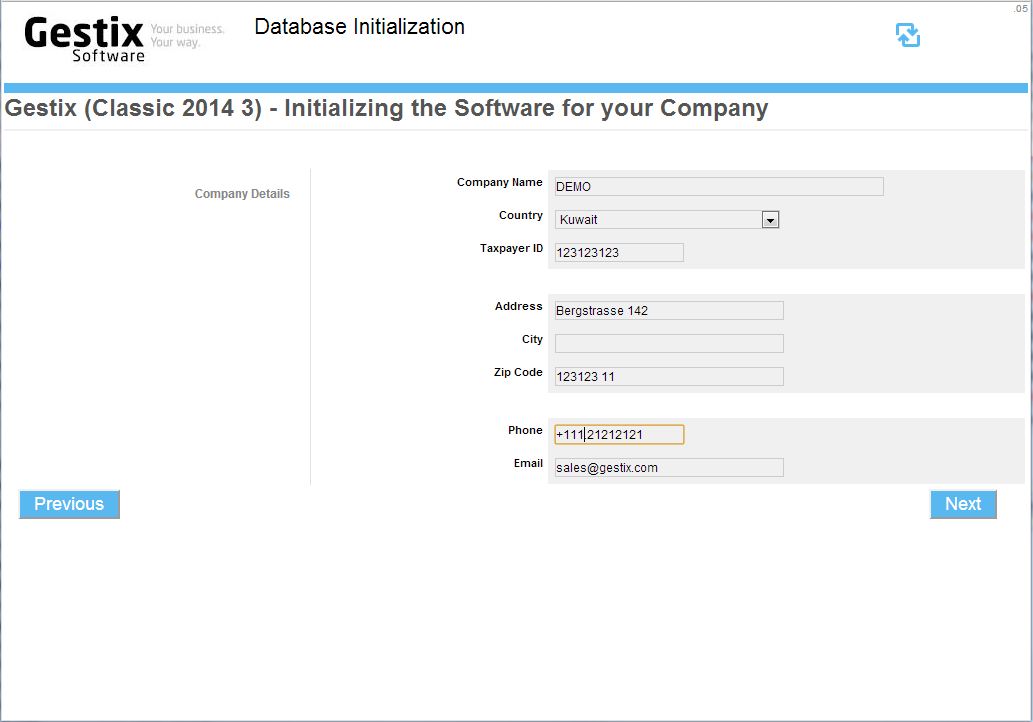
Company name and address

Then fill in the next form with your company’s details.

configuring-gestix-en-6

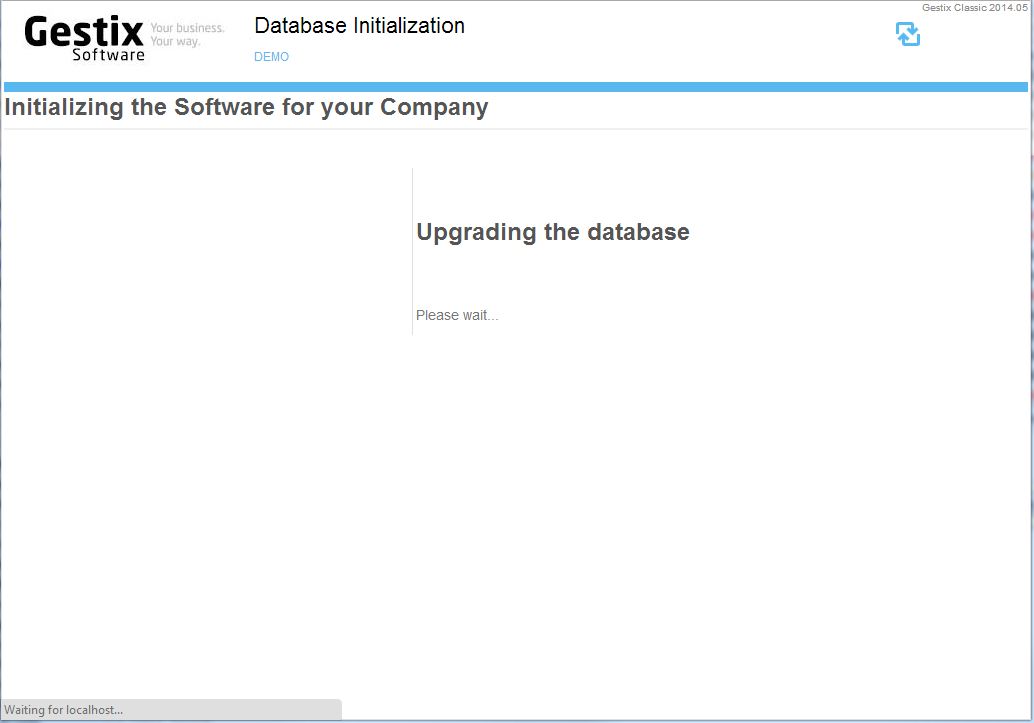
The database will then be updated with the license and company information.

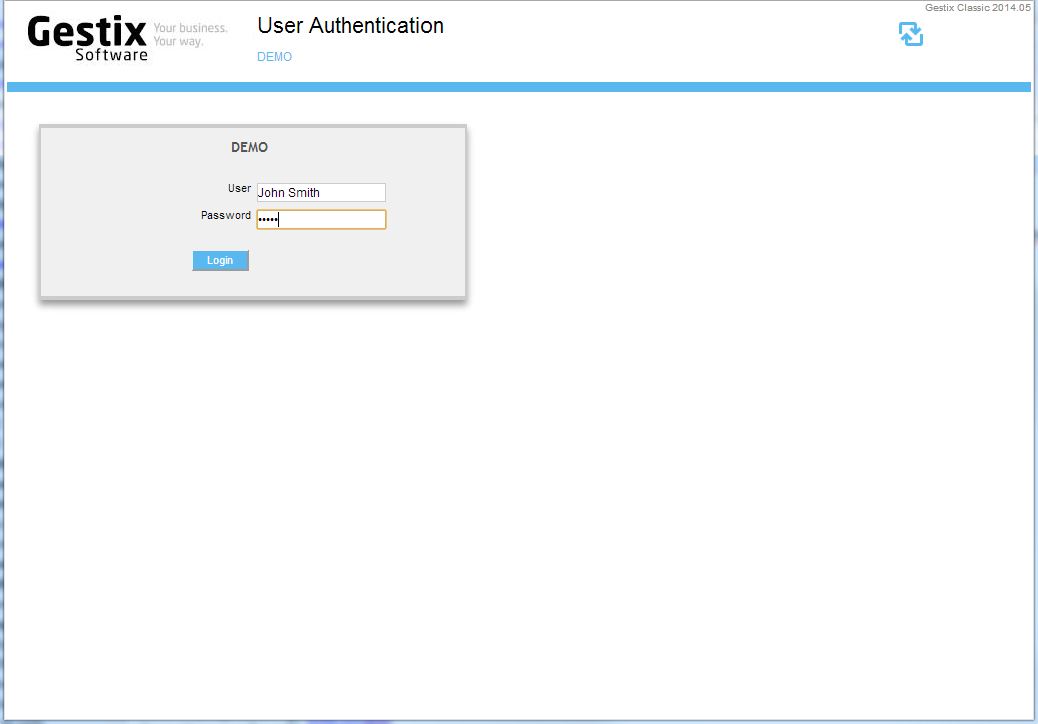
Log in to Gestix
Log in to Gestix

Log into Gestix using the user name and password previously indicated.

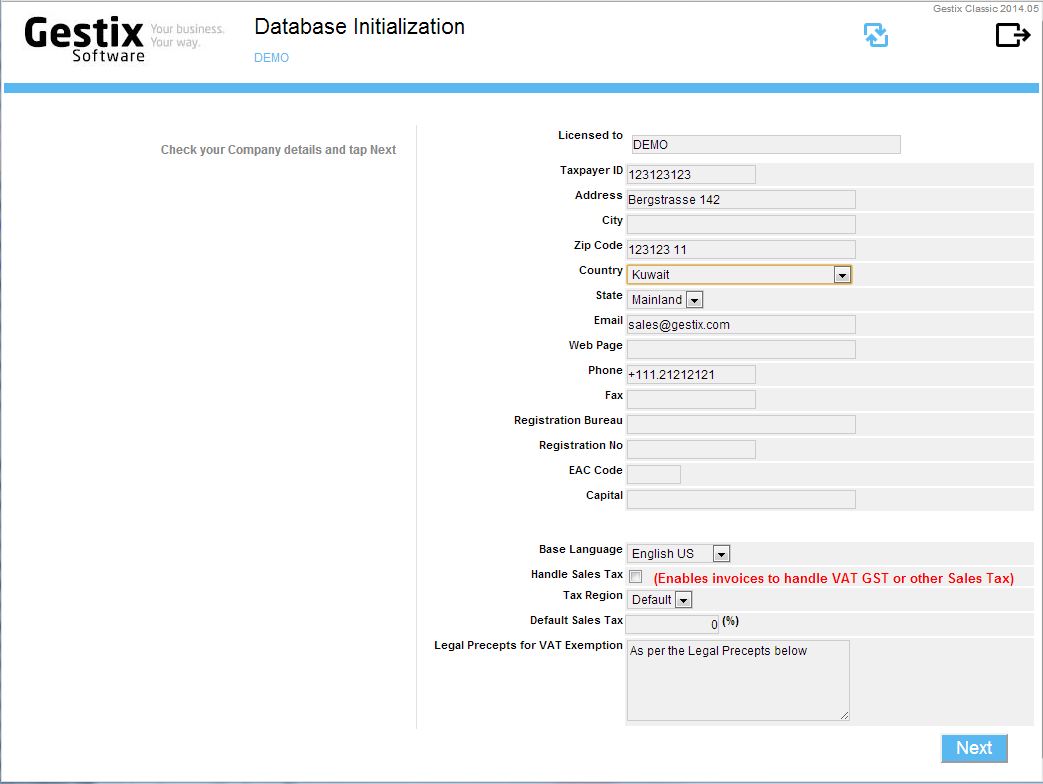
Revise the company details

Since Kuwait does not handle VAT or IVA tax, leave the Handle Sales Tax field unchecked, then press the Next button to advance to the invoice branding step.

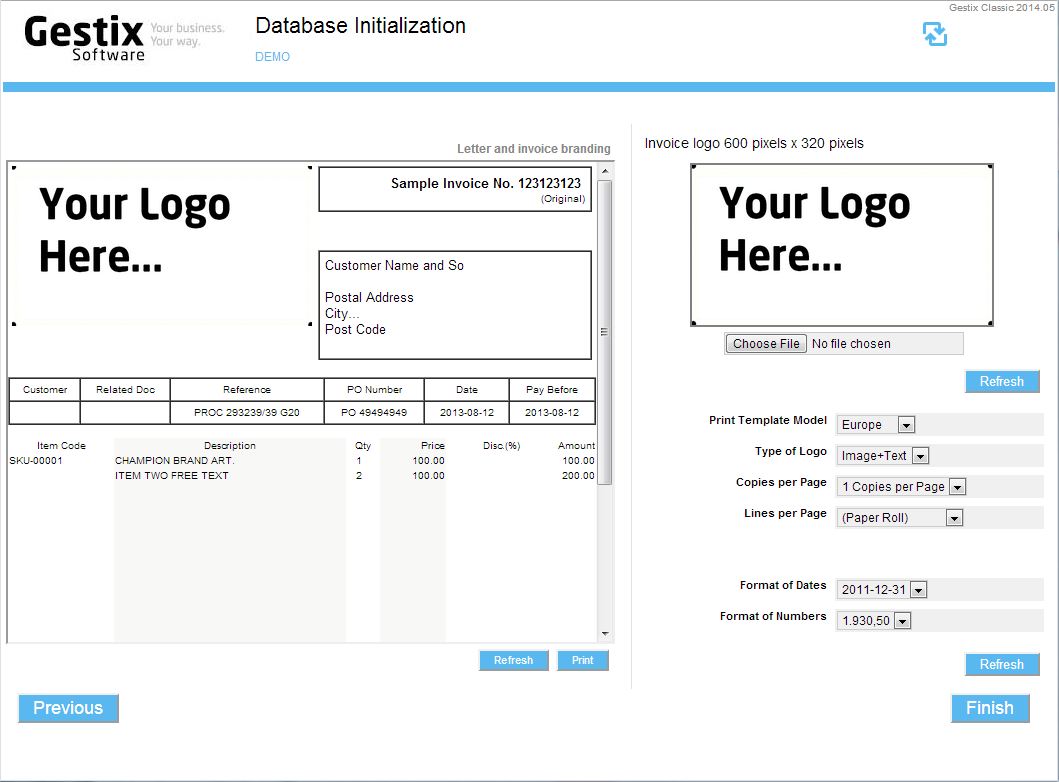
Invoice branding
Invoice branding

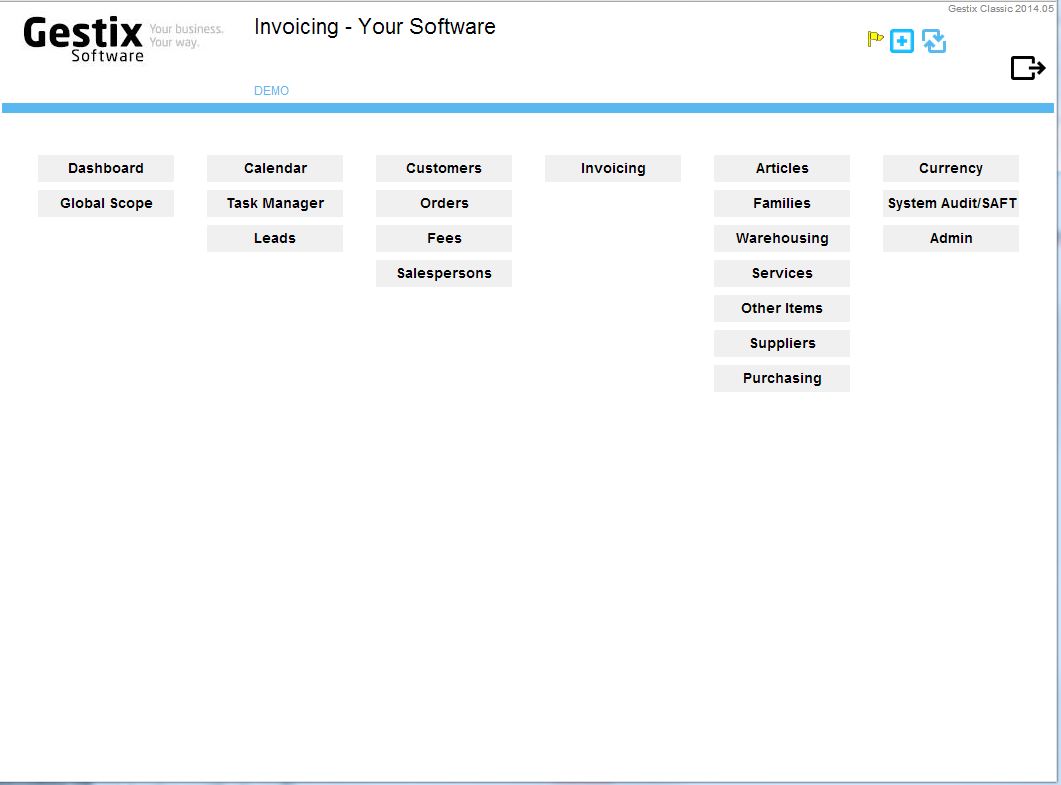
When finished, the main Gestix menu for your application will show (your license may differ from the figure below regarding the menus is deploys).

Gestix is ready, showing the main menu